

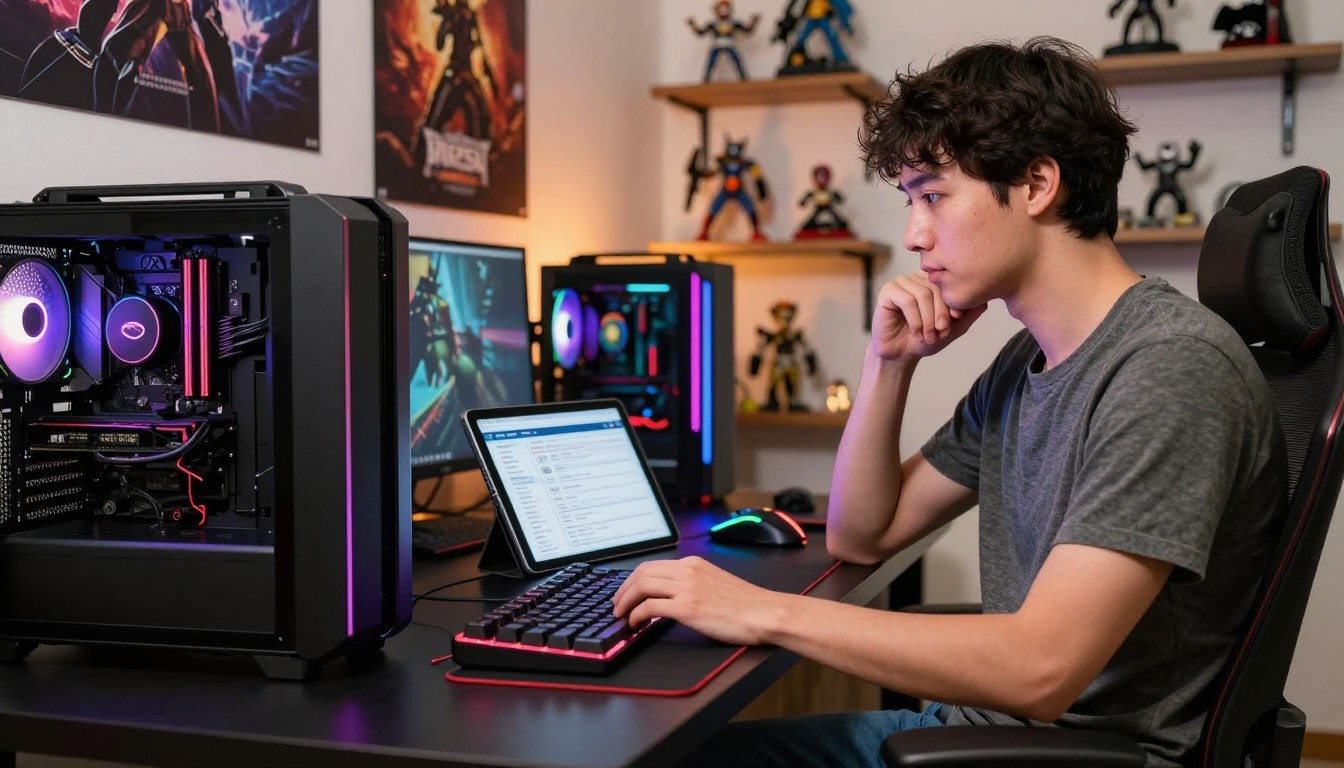
A DIY gaming PC is not automatically cheaper: a prebuilt can match or beat the parts cost, while building gives you more control over what you buy. Your budget, experience, and time all affect whether building saves money or simply shifts the work to you. A prebuilt gaming PC can save assembly and troubleshooting effort, while a DIY build lets you choose each component directly.
Price alone does not settle the choice. You also need to consider what each system includes and how much effort you want to put into setup. 1% lows measure the frame rate during a game’s slowest 1% of frames, revealing stuttering that average FPS can miss.
The right option depends on what matters most to you: spending less money, choosing specific parts, or getting a ready-to-use computer. This comparison weighs those factors together so you can judge the real value of each route. The fairest comparison counts the parts, the setup costs, and the time you would spend.
Key Takeaways
- Neither buying nor building is always cheaper.
- A DIY build gives you direct control over component choices.
- A prebuilt can save assembly and troubleshooting time.
- Compare complete configurations, not just advertised prices.
- Factor setup expenses and support into your decision.
Is It Cheaper to Buy or Build Gaming PC in 2026?
A close 2026 comparison puts a META PCs prebuilt at $1,299 and its estimated DIY parts bill anywhere from $1,120 to $1,410 before extra costs. Either route can cost less, depending on the parts price and the deal you find.
The DIY estimate does not include labor, an operating system, or other costs. The META PCs system comes assembled, tested, and shipped with a Ryzen 5 9600X, RX 7600, 16GB DDR5-5600, 1TB NVMe SSD, 240mm AIO cooler, and 750W-or-higher power supply.
What the 2026 system comparisons show
These estimated DIY prices show how quickly parts can add up. The motherboard, case, cooler, and power supply are also part of the total.
| Component | Estimated DIY price | Component or specification | Prebuilt specification |
|---|---|---|---|
| Ryzen 5 9600X | $200-$220 | Ryzen 5 9600X | Ryzen 5 9600X |
| RX 7600 | $260-$290 | RX 7600 | RX 7600 |
| 16GB DDR5-5600 | $200-$250 | 16GB DDR5-5600 | 16GB DDR5-5600 |
| 1TB Gen 4 NVMe SSD | $70-$90 | 1TB NVMe SSD | 1TB NVMe SSD |
The remaining estimated DIY parts include an AM5 B650 motherboard at $130-$180, a case at $80-$110, and a 240mm AIO cooler at $80-$120. A 750W-or-higher 80 Plus Gold power supply is estimated at $100-$150.
Where DIY savings can come from
For DIY builds below $900, patient sale shopping and considering used parts can save $100-$200. Above roughly $1,200, prebuilt gaming PCs can be competitive with or cheaper than DIY builds.
Compare the exact CPU, GPU, memory, storage, and power supply before treating two listed prices as an apples-to-apples deal.
A Skytech Chronos 3 is listed at $1,150 with an Intel Core i5-14400F, RX 9060 XT 8GB, 16GB DDR5, and 1TB NVMe SSD. It has a faster CPU than the guide’s DIY configuration, but the same GPU. That difference matters when comparing performance as well as cost.
A listed price is useful only when you know what the system includes. Check component names and specifications before deciding which configuration gives you more for your money.
What Costs Are Missing From the Sticker Price?
A DIY parts list is not the final bill if it leaves out Windows, shipping, sales tax, or the tools you need. Those extras can change which option costs less once the system is ready to use.
Include every required setup cost in your comparison. Installing an operating system is part of a DIY setup, and Windows 11 Home on USB is listed at $129 in the September 2026 configuration.
Shipping can add up when you order components from several retailers. Sales tax also affects the total, while optional tools or paid assembly and troubleshooting can add to your spending. A prebuilt price accounts for assembly and shipping, but check what the listed system actually includes.
- Operating system
- Shipping
- Sales tax
- Tools or paid help
Some builders already own the tools they need, while others may need to buy them. If you pay someone to assemble or troubleshoot the computer, include that charge rather than treating it as free help.
The operating system is an easy cost to overlook because it is not a hardware component. Add every must-have expense to both options before deciding that a small parts-price gap is a real saving.
Do Parts and Performance Favor DIY?
A $1,000 configuration can pair an Intel Core i3-14100F with an RX 9060 XT, but the memory and storage choices shape the rest of the experience. Part selection affects how smoothly games run and how much room you have for other tasks.
Sixteen gigabytes can handle many current games, while 32GB gives most gamers more comfortable headroom. That extra memory can matter when you stream or multitask, though it does not promise a large average-FPS increase.
Match memory capacity to your games
The September 2026 DIY configuration lists 16GB DDR4-3200 at $120. Windows and background processes can use 3-5GB while idle, while one AAA game can use 12-14GB. That can leave little room on a 16GB system.
| Memory use | Amount | What it means |
|---|---|---|
| Windows and background processes while idle | 3-5GB | Uses part of installed memory |
| One AAA game | 12-14GB | Can leave limited headroom on a 16GB system |
| Comfortable general gaming capacity | 32GB | More headroom for multitasking or streaming |
When a game runs into a memory limit, extra RAM can reduce stuttering and improve 1% lows. It rarely raises average FPS by much on its own. DDR5’s average gaming FPS gain was 1-3% over well-tuned DDR4 in most tested titles.
Balance the CPU, GPU, and storage
The listed $1,000 configuration includes an Intel Core i3-14100F at $105, with a cooler, and a Gigabyte Radeon RX 9060 XT 8GB at $400. Its TeamGroup MP44L 500GB SSD costs $103 and has sequential speeds up to 5,000MB/s.
DDR5-6000 memory is priced at $400 or more in 2026, compared with $80-$120 in mid-2025. Check the cost and platform compatibility before choosing it. The DDR4 and DDR5 FPS difference is small in most titles, so choose RAM capacity for the games and multitasking you actually do, not for an assumed FPS boost.
How Much Control and Upgrade Flexibility Do You Want?
Building gives you a say in the parts and upgrade path, while some prebuilt configurations limit which components you can choose. That control helps if you care about a specific motherboard, case, cooling setup, storage, or look.
Check the parts that determine whether your next upgrade will fit and connect. The ASUS B760M-AYW WiFi D4 motherboard costs $110 and has two PCIe Gen 4 M.2 slots, a PCIe Gen 5 graphics-card slot, six USB ports, and Wi-Fi 6.
A $60 NZXT H3 Flow case fits micro-ATX motherboards. The $40 Thermaltake Smart 500W 80+ power supply has a 5-year warranty. Those examples show why a low price alone does not tell you whether a part suits your plans.
Prebuilt makers usually offer a limited set of configurations rather than every part on the market. Some proprietary designs can also make later swaps harder. A standard part can be easier to replace, but the right choice depends on the system’s layout and connections.
- Motherboard expansion
- Case form factor
- Power supply capacity and connectors
- Standard versus proprietary parts
Use the checklist to think beyond the first day of gaming. A future graphics card may need more power or space, while a storage upgrade may need an open slot. Before buying, verify that the motherboard, case, and power supply can accommodate the upgrade you may want next.
How Much Time and Skill Does a DIY Build Take?
A first-time build can take 12-15 hours across research, sourcing, assembly, troubleshooting, and operating-system installation. It is manageable for a careful beginner, but the process takes patience and a willingness to work through problems.
Experienced PC builders spend at least 8-10 hours on the build process. Their lower estimate reflects experience, so it is not a safe time budget for someone building a computer for the first time.
To learn how to build a gaming PC, think of the work as a clear sequence rather than one long technical task. Research and preparation take time before assembly begins, and troubleshooting can stretch the schedule if the computer does not start as expected.
- Confirm compatibility
- Gather the parts
- Assemble the system
- Test and troubleshoot startup
- Install the operating system
Building a gaming PC is not out of reach if you are new to computer hardware. You do need to follow instructions carefully, avoid rushing, and leave room to investigate startup problems. If you have no interest in that learning process, the convenience of a prebuilt may be worth the added cost.
Set aside enough time to finish without rushing, especially if the computer needs troubleshooting. A planned evening can turn into a longer project when a first boot fails. If a failed first boot would make you uncomfortable, allow extra time or choose a system that arrives ready to use.
What Warranty and Support Come With Each Option?
A prebuilt can simplify support by giving you one company to contact, while DIY warranties are handled part by part. That difference can matter when a new computer has a problem and you need to identify who should help.
A DIY builder diagnoses the fault and contacts the manufacturer of the affected part. A prebuilt company may handle the first support request for the complete system, though coverage and repair steps depend on its terms.

One support contact or separate part warranties
Skytech includes a free 1-year standard warranty covering parts and labor for manufacturing defects or component failures during normal use. It also offers 2-year total coverage for $200 or 3-year total coverage for $300.
If no claim is filed, Skytech refunds the $200 or $300 coverage cost as store credit, depending on the option selected. Standard warranty repairs usually take shipping time plus 10-15 business days after the PC reaches the repair facility.
Read the coverage limits before choosing
Skytech excludes user modifications, software issues, physical damage, cryptocurrency-mining use, and third-party parts not installed by Skytech. These are Skytech’s stated terms, not a rule for every prebuilt maker.
With DIY, separate manufacturers can cover separate components, so the support path may involve more than one company. You may also need to identify which part is causing the issue before contacting its manufacturer.
Read the exclusions and repair process before deciding how much a single support contact is worth to you.
Which Choice Fits Your Budget and Priorities?
Build if choosing and maintaining each part is part of the value for you; buy prebuilt if convenience and a simpler support path matter more. Your priorities decide which option fits, not a rule that one route always wins.
A DIY build suits you if you enjoy learning, want precise component control, and are prepared to research and troubleshoot. Choose a prebuilt if you need a ready-to-use system or prefer one company to contact for support.
Entry-level gaming desktops are priced at $1,000-$1,200 and target 1080p gaming at 60+ FPS on medium-to-high settings. Mid-range desktops cost $1,200-$2,200 and target 1440p gaming at 100+ FPS on high settings for most titles. These tiers describe targets, not guaranteed results from every machine.
Building is worth it in 2026 when the part choices, learning, and control matter enough to justify your time. If troubleshooting would be stressful, paying for convenience may be a better fit. Choose the route you can afford to maintain, not only the one with the lower advertised price.
Build when the process and part choices add value for you. Buy prebuilt when you would rather spend your time gaming than assembling and troubleshooting.
Conclusion
The better value is the system that meets your gaming needs without costing more time or effort than you want to spend. Neither a DIY build nor a prebuilt always wins on price; component control, setup work, and support can change which one makes more sense.
Start with the performance you want in your games, then list the parts needed to reach it. Compare that complete list with a prebuilt listing that names its core components and warranty terms. A clear comparison can show whether the convenience or the hands-on control is worth more to you.
Write down your target games, performance needs, and preferred support path, then compare one complete DIY parts list with one clearly specified prebuilt.
FAQ
Are pre-built PCs worth it?
Yes, prebuilt PCs are worth it when ready-to-use convenience and one support contact matter more than choosing every component. You avoid assembling the system and can start using it after setup. Before buying, compare the exact CPU, GPU, memory, and storage, then read the warranty terms. The word “gaming” on a listing does not tell you how well its components match your needs.
Is 32 GB RAM overkill gaming?
No, 32GB is not overkill for most gamers, especially if you stream, keep many apps open, or multitask while playing. It gives you more headroom than 16GB when games and background tasks compete for memory. Still, 16GB can suffice for many current games. Choose based on what you play and do at the same time, rather than expecting a large average-FPS jump.
How often should I upgrade my PC?
There is no fixed upgrade calendar for a gaming PC. Upgrade when the games you play no longer meet your preferred resolution, graphics settings, or frame rate. You may need only a graphics card or more memory, rather than a whole new system. Check which component is holding performance back first, then replace the part that addresses that limit.
Is a $600 dollar gaming PC good?
A $600 gaming PC can suit modest 1080p gaming, but its exact GPU will shape what it can handle. Check whether the system uses a dedicated graphics card and whether its other parts leave room for upgrades. Used components may stretch the budget, though their condition matters. Do not expect demanding new games to run well without checking the specific hardware and performance targets.
Is a $1000 gaming PC worth it?
Yes, a $1,000 gaming PC can be a worthwhile entry point if its components match the games you play. Compare the GPU first, then check memory, storage, operating system, and support. Two systems at the same price can differ in important ways, including whether they arrive assembled and ready to use. Judge the complete configuration, not the price tag alone.
How much RAM do I need for gaming?
Use 16GB as a practical minimum and 32GB as a comfortable choice for most gamers. Many current games can work with 16GB, but streaming or multitasking can make extra capacity useful. Memory limits may cause stuttering or weaker 1% lows, even when average FPS looks acceptable. Check your games and background apps before deciding whether a memory upgrade is worthwhile.
If you want to dig further into examples of educational technology tools for, read our Examples of Educational Technology Tools for guide.
If you want to dig further into how technology has improved sport from traini, read our How Technology Has Improved Sport From Traini guide.
If you want to dig further into is technology making people smarter or dumber, read our Is Technology Making People Smarter or Dumber guide.